

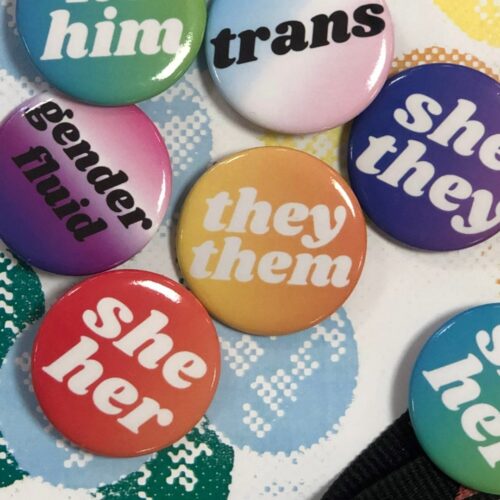
We’re happy to announce a new feature in Microsoft 365 which allows staff and students to record their pronouns against their profile card. These profile cards are displayed in applications such as Teams and Outlook for the Web and will be visible to all staff, students and guest accounts. Your pronouns will not be displayed to users outside of this organisation.
Sharing your pronouns is a great way to create a more inclusive environment by allowing everyone to feel recognised and respected. It allows people to express their gendered and non-gendered identities in a safe way, enabling them to experience fewer unintentional microaggressions. This is in line with our Trans and Non-Binary Policy, and our Trans and Non-Binary Guidance Referring to Students.
Sharing your pronouns is a personal choice and there is no pressure to do so. The use of this feature is entirely optional and gives you full control – you can add, amend or delete your pronouns at any time. Please make sure you are using this feature respectfully; misuse of this feature does not reflect our commitment to inclusivity and respect and will not be tolerated.
For detailed guidance about how you can update your profile and where pronouns will be displayed, please click here.
If you need further support, advice or information, please get in touch with the Student Support Adviser team, or the IT Service Desk for technical assistance.